
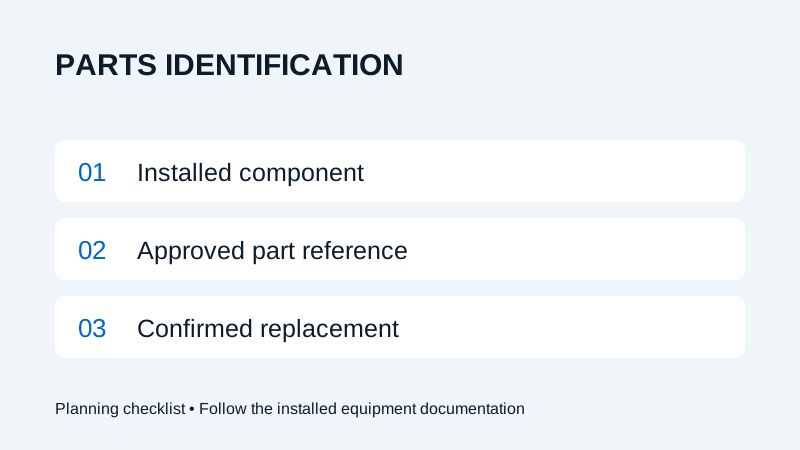
Match the replacement to the installed component and its approved part reference. Supply the machine details, cutting-head model, part number, quantity and relevant label photos. Appearance alone does not confirm compatibility.
Identify the installed cutting head
Fiber laser consumables should be identified against the equipment actually installed on the machine. Start with the machine model and serial number, then record the cutting-head manufacturer, model and identifier from the available documentation or accessible label.
Keep an equipment record when a component is replaced or upgraded. A machine brochure describes a range of configurations; it may not identify the part required for a particular installed head. An old order can help trace a reference, but confirm that it still matches the current configuration.
For orientation, Wavlon’s cutting-head overview describes the head families on the website. Use the installed component documentation to identify the replacement itself.
Prepare a parts identification record
| Item | What to record | Why it helps |
|---|---|---|
| Machine | Model and machine serial number | Identifies the equipment record. |
| Installed component | Head manufacturer, model and serial or revision if available | Narrows the relevant component documentation. |
| Part reference | Approved part number and description | Gives the supplier a specific item to verify. |
| Supporting evidence | Packaging label, previous order and accessible photos | Helps resolve incomplete or unclear references. |
| Quantity | Required quantity and unit of supply | Distinguishes individual items from packs or assemblies. |
| Delivery | Site, contact and requested timing | Allows availability and delivery to be confirmed. |
State whether you are requesting a single wear item or a complete assembly. If the original reference cannot be read, describe what is missing and ask for identification rather than substituting a similar-looking item.
Confirm compatibility before ordering
A matching shape or nominal dimension does not establish that two consumables are interchangeable. The approved reference and the installed component determine the selection. Ask the supplier to confirm any proposed substitute or superseded number against that configuration.
For example, a request for “protective windows” is incomplete without the head and part reference. A photograph may help identify the item, but it should accompany the available records. Do not remove an optic or dismantle a head solely to obtain a photograph.
Nozzle selection and replacement procedures also depend on the approved process and installed head. This guide does not prescribe nozzle sizes, optical specifications or service intervals. Have trained personnel use the applicable instructions for handling and replacement.
Check the delivery against the confirmed order
Keep the supplier’s confirmation with the purchase record. On receipt, compare the packaging reference, quantity and description with that confirmation before the part enters stock. Record a discrepancy and ask the supplier to resolve it before installation.
Store and handle the item according to its supplied instructions. Preserve identifying packaging where appropriate so a future order can be traced. Separate unverified or returned items from stock that has been accepted for use.
Build a stock list from actual use
Record which verified items your machine uses and review consumption with the responsible maintenance or production team. Agree a stocking quantity around actual use, storage requirements and confirmed replenishment time. Do not assume every item shown in a general catalogue belongs in your machine’s spares kit.
Send the identification record through Wavlon’s parts enquiry form. If the request follows an equipment problem, keep the related service request reference with the order so the reason for the replacement remains clear.
Frequently asked questions
Can I order a consumable from a photo alone?
A photo can help, but it does not confirm compatibility. Supply the installed component details and approved part reference where available, and obtain confirmation before ordering.
Does the machine series name identify every replacement part?
No. Confirm the component fitted to your specific machine and check its documentation, particularly after a replacement or upgrade.