
Agree the training scope for the installed machine, identify who will operate and maintain it, and keep a record of supervised tasks and open actions. Attendance alone should not be treated as authorization for every machine task.
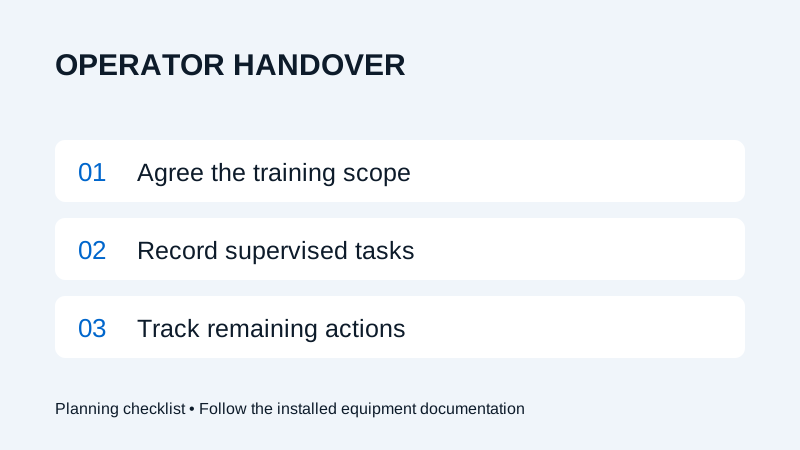
Agree the operator training scope
Fiber laser operator training starts with the installed configuration and the people who will use it. List the operators, programmers, supervisors and maintenance contacts involved in the handover. Identify which tasks each role needs to perform and who at the site authorizes those responsibilities.
Confirm the training agenda, documentation, language needs and attendance arrangements with the supplier before the visit. Include the software and handling equipment actually supplied. This planning guide does not define a certification programme or promise a fixed training duration; the agreed scope and site requirements govern the handover.
Prepare the documents and representative jobs
Make the current machine, component and software instructions available to the people attending. Identify where approved procedures and emergency information are kept. Resolve missing documentation with the supplier rather than relying on a guide for another machine.
Prepare a representative drawing pack and define the intended finished-part checks. The DXF and STEP preparation guide can help organize those files. Confirm that the site is ready for the planned activities using the installation readiness checklist.
Use a practical handover record
| Item | What to record | Why it helps |
|---|---|---|
| Equipment and documents | Installed configuration and manual revisions | Keeps the record tied to the correct machine. |
| Roles | Trainees, trainer and site authorization contact | Makes responsibilities explicit. |
| Approved workflow | Tasks covered under supervision and references used | Records the scope actually covered. |
| Part checks | Drawing revision, acceptance checks and results | Connects the workflow to the intended output. |
| Routine care | Applicable instructions and assigned responsibilities | Identifies who may perform each activity. |
| Open actions | Unfinished topics, owner and review date | Prevents an incomplete item from being overlooked. |
Use distinct entries for a topic explained, a task demonstrated and a task completed under supervision. Note anything deferred. These records help the responsible site team decide what further instruction or supervision is needed.
Connect training to normal production
Plan representative work within the training scope so the team can follow a job from file preparation to the agreed inspection. Have the trainer lead machine activities according to the approved procedures. Record questions about programming, material handling, part identification and the next manufacturing operation.
Use the sample inspection checklist to capture the output checks. For example, a trainee may complete the agreed job workflow while still needing further instruction on a separate maintenance task. Record those outcomes separately rather than marking every topic complete.
Fault reporting should include where to find the relevant instructions and how to contact support. Do not create faults or bypass safeguards to practise a response. Have the trainer explain the permitted approach for the installed machine.
Close open items before expanding responsibilities
At handover, review the completed scope, remaining actions and document locations with the site contact. Keep a named owner and review date for each outstanding item. Record which activities still require supervision under the site’s procedures.
Revisit the record when staff, equipment or software changes affect the work. New staff should receive the applicable instruction rather than relying on another operator’s attendance record. Keep component maintenance responsibilities separate from normal production operation.
Discuss the agenda through Wavlon installation and training. Keep the service request checklist accessible with the handover documents for future support enquiries.
Frequently asked questions
Does attending training authorize every maintenance task?
No. Record the tasks covered and follow the site’s authorization process and applicable equipment instructions. Component service tasks may require separate training and responsibilities.
What belongs in a handover record?
Include the installed configuration, current documents, people and roles, topics covered, supervised tasks, output checks and any remaining actions with their owners.