
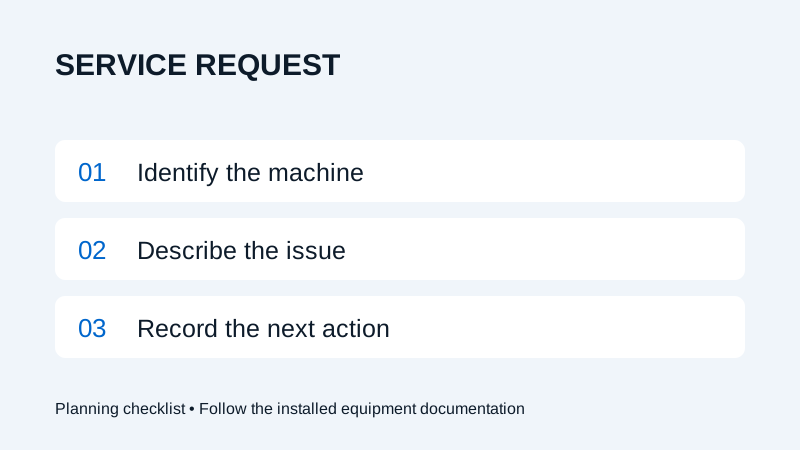
Include the machine model and serial number, exact alarm text, when the issue began and what operation was underway. Add safely collected photos and a contact person. Keep observations separate from suspected causes.
Start with the installed machine
A useful fiber laser service request gives the support team enough context to identify the equipment and understand the interruption. Begin with the machine model, serial number, installation location and the person who can answer follow-up questions. Include the controller or software version if it is already available in your records.
The machine and its components can have different identifiers. Label a cutting-head serial number as a head identifier rather than presenting it as the machine serial number. Use the delivery records or accessible identification labels; do not remove covers or enter a hazardous area to collect information.
Use a service request checklist
| Item | What to record | Why it helps |
|---|---|---|
| Equipment | Machine model, machine serial number and site | Connects the request to the installed configuration. |
| Symptom | Exact alarm text or a specific description | Preserves the information shown to the operator. |
| Timing | When it started and whether it is intermittent | Helps establish the sequence of events. |
| Job context | Operation, material and drawing revision where relevant | Explains what was happening before the interruption. |
| Evidence | Relevant photos, screenshots and existing logs | Provides a record for the support team to review. |
| Contact | Name, callback details and availability | Makes follow-up easier to coordinate. |
If a field is unknown, mark it as unknown. Guessing a serial number, alarm code or component model can send the investigation in the wrong direction. Keep the original wording of an alarm alongside any explanation.
Write a short, factual issue history
Describe what happened immediately before the issue, what the machine displayed and what happened next. Record recent changes that may be relevant, such as a different job file or an already completed service visit. A sequence of observations is more useful than a conclusion such as “the controller has failed.”
For example: “The alarm appeared when this job was started. The previous job completed. The screen shows the attached message.” This describes an observation without claiming a cause. Include actions already taken by authorized personnel and their results; do not repeat an unsafe operation simply to reproduce the fault.
For a cut-quality question, attach the sample inspection record and identify the drawing revision. A photograph of an edge alone does not show the complete process conditions.
Collect evidence through normal access
Use screenshots or photographs that can be taken through normal, safe access. Existing logs can be supplied using the export method approved for the installed software. Ask support which file they need if the format is unclear. Share only the job information needed for the investigation and identify any restrictions on customer drawings.
This checklist is for reporting, not a repair procedure. Follow the machine manual and site procedures for a fault or unsafe condition. Do not bypass safeguards, open electrical cabinets or adjust laser parameters to gather evidence. Remote access, if requested, should be arranged with your authorized site contact.
Keep the next action with the case
Use Wavlon service to request assistance. Keep the case reference, the agreed next action and the person responsible in your machine record. If the condition changes, send an update against the same reference with the new observation and time.
Confirm the service arrangement for your location and the proposed work before scheduling it. A submitted request does not by itself confirm diagnosis, parts availability or a visit time. If a replacement item is requested, use the consumables identification checklist to prepare the matching part information.
Frequently asked questions
Should I reset the machine before reporting an alarm?
Follow the installed machine instructions and your site procedure. Preserve the displayed alarm information when safe to do so, and do not repeatedly reset or reproduce an unsafe condition for a report.
What if I do not know the component model?
Provide the machine identifier and the records or accessible label information you have. Mark the component model as unknown and ask support to confirm it.